How to rank in Perplexity
Perplexity searches the web for its answers and shows its sources right next to them. Every citation is on display, so it's easy to see who Perplexity trusts in your category. Here is how it picks them, and how to become one.
Its own index, plus pages it reads on the spot
Perplexity answers from its own search index, built by PerplexityBot, and fetches pages live with Perplexity-User when a question needs them.
Because it works from live retrieval, Perplexity can pick up a page soon after it's crawled. It then writes an answer from the pages it found and numbers each source. A page that answers the question directly, with facts it can attribute, is easy to cite. A page it can't reach never enters the running.
The visible sources are useful to you as well. For any buyer question, you can see exactly which sites Perplexity leaned on, and whether your competitors' pages or third-party reviews took the spot you want.
At a glance
Perplexity and your site
- Its index: Perplexity's own search index, plus live page fetches.
- Must be allowed to be cited: PerplexityBot indexes pages for search results. Perplexity-User fetches a page when a user's question needs it.
- How you control it: robots.txt for PerplexityBot. The user fetcher can only be stopped at your firewall or CDN.
Which Perplexity bots to allow
Two bots, two different control points. Check both, because each one can fail in its own way.
| Bot | What it does | Controlled by | Recommended |
|---|---|---|---|
| PerplexityBot | Crawls and indexes pages for Perplexity's search results | robots.txt, and any CDN or firewall rule | Allow |
| Perplexity-User | Fetches one page because a user's question needs it | Firewall or CDN only. Perplexity states it may ignore robots.txt for user requests | Allow |
The firewall gotcha cuts both ways. You can't keep Perplexity-User out with robots.txt, since a person asked for the page. The opposite trap is more common: a CDN "block AI bots" setting or a bot-management rule stops PerplexityBot even when robots.txt allows it. If Perplexity never cites you, check your CDN dashboard as well as your robots.txt. Accurate to November 2026; vendors change this often. The AI crawler guide covers every engine.
Who Perplexity names, and who it cites
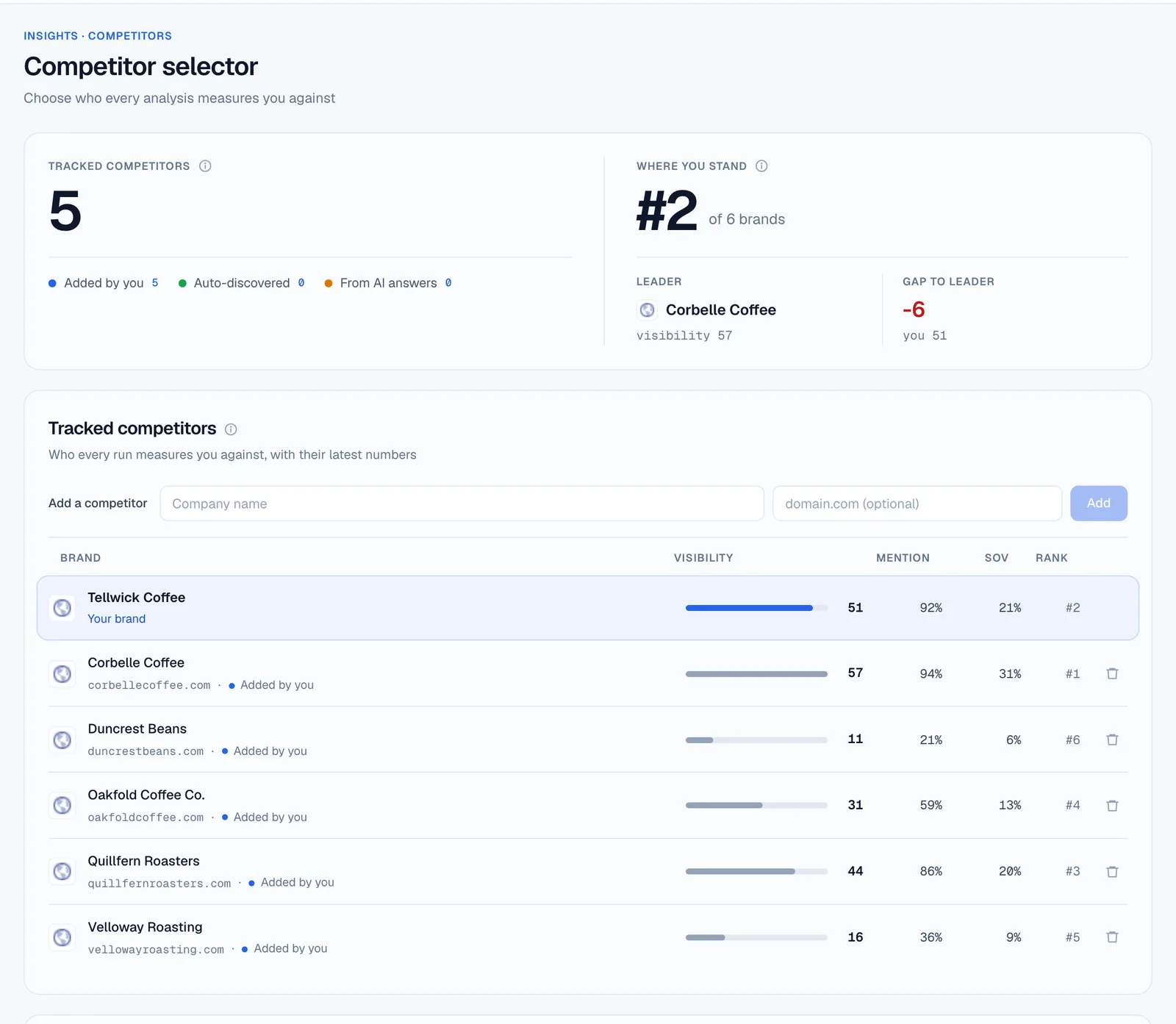
StarRise asks Perplexity your buyers' questions, three times each on paid plans, then reads both the answer and the sources behind it.
Mention rate
How often Perplexity names you for your category's questions.
Share of voice
How prominently you appear next to the competitors you track.
Verified citations
Only real links to your domain count toward your score.
Citation Authority
The sources Perplexity trusts in your category, and the exact pages where competitors are cited instead of you.
How Perplexity describes you
Direct Perception shows the words it attaches to your name, good and bad.
Every raw answer
Prompt Explorer shows each answer and its sources, run by run.
Perplexity is on Starter and every plan above it. Starter includes a weekly analysis of 20 prompts against 5 competitors, alongside ChatGPT, Gemini and Google AI Overviews, with three samples per prompt per engine. The free plan covers ChatGPT only. See pricing.
Six steps to rank in Perplexity
Perplexity rewards pages it can reach, understand and attribute. Each step below makes your page an easier source to cite. Mentioned is being known. Cited is being trusted.
Step 1
Allow PerplexityBot, then check the firewall
Add it to robots.txt and confirm your CDN or bot-management rules let it through.
Step 2
Give each question its own clear answer
Use a heading that matches the buyer's question and answer it in the first paragraph, in words Perplexity can quote as written.
Step 3
Keep facts current and dated
Perplexity reads pages live, so an updated page can count quickly. Keep prices, dates and figures current, and show when the page was last updated.
Step 4
Make claims easy to attribute
Measured results, statistics with their source, and named experts. A page with numbers is easier to cite than a page with opinions.
Step 5
Earn a place in the sources it already uses
Look at which review sites, forums and articles Perplexity cites for your questions, and contribute there honestly.
Step 6
Measure, then repeat
Fixes on your own site show up as Perplexity re-reads it, typically within a few weeks. Wider citation authority builds over a couple of months.
Perplexity questions
How does Perplexity decide which sources to cite?
It searches its own index and fetches pages live, then writes an answer from the pages that address the question best. Perplexity doesn't publish its weighting. What you can see is the result: StarRise records which sources it actually cites in your category, so you know which pages to match or beat.
Why does Perplexity cite my competitors and not me?
Check access first: a blocked PerplexityBot or a firewall rule rules you out entirely. If access is fine, the usual reasons are a missing page for the question, or a competitor page with clearer answers and harder evidence. StarRise shows the exact competitor pages that win each question.
Can I block Perplexity from reading my site?
You can block PerplexityBot in robots.txt. Perplexity-User fetches pages a person asked for, and Perplexity states it may ignore robots.txt, so that path can only be stopped at your firewall or CDN. Blocking either one stops Perplexity citing those pages.
How long until Perplexity cites a new page?
Fixes on your own site show up as Perplexity re-reads it, typically within a few weeks. Wider citation authority builds over a couple of months. We don't promise a rank or a date, and re-running the same questions shows what moved.
Which StarRise plan includes Perplexity?
Starter and up. The free plan covers ChatGPT only. See pricing.
Each engine reads the web its own way
A strong showing on Perplexity doesn't carry over automatically. Here is how the others pick sources.
ChatGPT
OpenAI's own index and crawler. One bot decides if you can be cited.
ChatGPT visibilityGemini & AI Overviews
Google's AI reads Google Search's index. Good SEO carries furthest here.
Gemini SEOClaude
Anthropic lists Brave Search as its web-search provider, and Brave follows your Googlebot rules.
Claude visibilityAI crawler guide
Every engine, every bot, and a robots.txt you can copy.
Read the guide